


Incaspin App
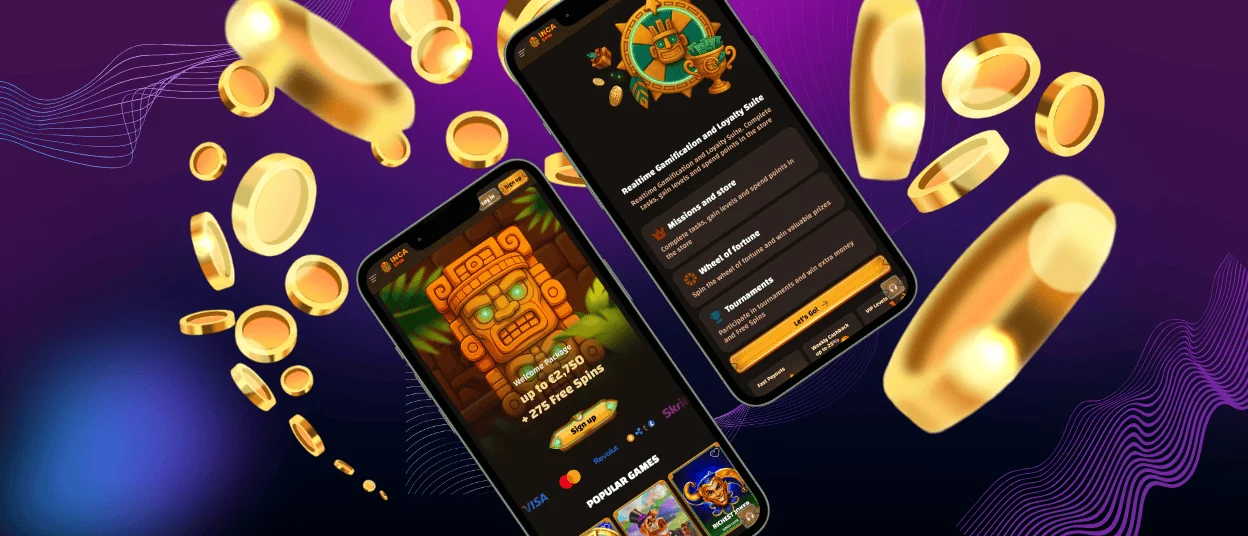
The Incaspin app is the PWA version of our casino. Add Inca Spin to your phone, tablet, or desktop once, and it will appear as an icon you can use to open the platform directly. Since the app runs through the web, there is no separate installer to download or update manually.

Benefits and Features of the Incaspin App
Adding Incaspin to the home screen changes how you reach the casino, not how your account works. The PWA stays connected to the main platform, so your usual login and account data remain available when you switch between the web version and the app.
For regular use, the PWA has a few practical advantages:
- Inca Spin opens from its own icon, so there is no need to find the website first.
- Updates come through the web platform rather than a separate installer.
- The interface scales to the screen and keeps the main controls within easy reach.
- You continue using the same account after adding the app.
The mobile version also keeps account management inside the same interface. For example, if verification is required while you are using Incaspin on mobile, you can open the relevant account section there instead of moving to the desktop site.
The PWA remains optional. If you prefer using Inca Spin directly in a browser, you can continue doing so without creating a home-screen or desktop icon.
| Device | Recommended access | Installation action |
| iPhone / iPad | Safari | Add to Home Screen |
| Android phone / tablet | Supported mobile browser | Install app / Add to Home Screen |
| Windows | Supported browser | Create desktop shortcut |
| macOS | Supported browser | Create desktop shortcut |
None of these options requires a separate standalone installer.
Incaspin app for iPhone and iPad
iPhone and iPad users can add Incaspin through Safari. The process creates a direct entry point to our mobile platform while keeping the casino connected to the web-based version.
To add Inca Spin Casino on iOS:
- Open our website in Safari.
- Tap the “Share” button.
- Scroll through the available actions.
- Select “Add to Home Screen”.
- Confirm by tapping “Add”.
After installation, you can open the casino from the new icon on your device.
The interface adjusts to the available screen size, so the main navigation and account controls remain accessible without using a desktop layout.
If “Add to Home Screen” does not appear immediately, open the full Safari Share menu and check the available actions. Browser and operating system versions can sometimes display installation commands differently.
Players who do not want to add the PWA can still use the regular mobile website through Safari.
Inca Spin Android app
Android players can add Incaspin directly from a supported mobile browser. The installation command may vary between browsers, but the basic process remains similar.
For example, in Chrome:
- Open the Incaspin website.
- Tap the three-dot menu.
- Select “Add to home screen”.
- Tap “Add” to confirm.
- Move the icon wherever you want it on the home screen.
You can then open Incaspin Casino directly from the new icon.
This setup does not require any changes to your Android security settings. Incaspin also remains available through Chrome at any time.
Does Incaspin have an APK?
We use a PWA instead of a traditional Android application package, so a separate Incaspin APK is not required.
You do not need to download an installer from an external source or change Android settings to allow unknown applications. The PWA connects directly to our online platform, and compatible updates reach users without requiring a new app file.
Players should use the installation options available through Inca Spin rather than downloading files presented as alternative versions of our application on third-party websites.
Incaspin Casino on Windows and macOS
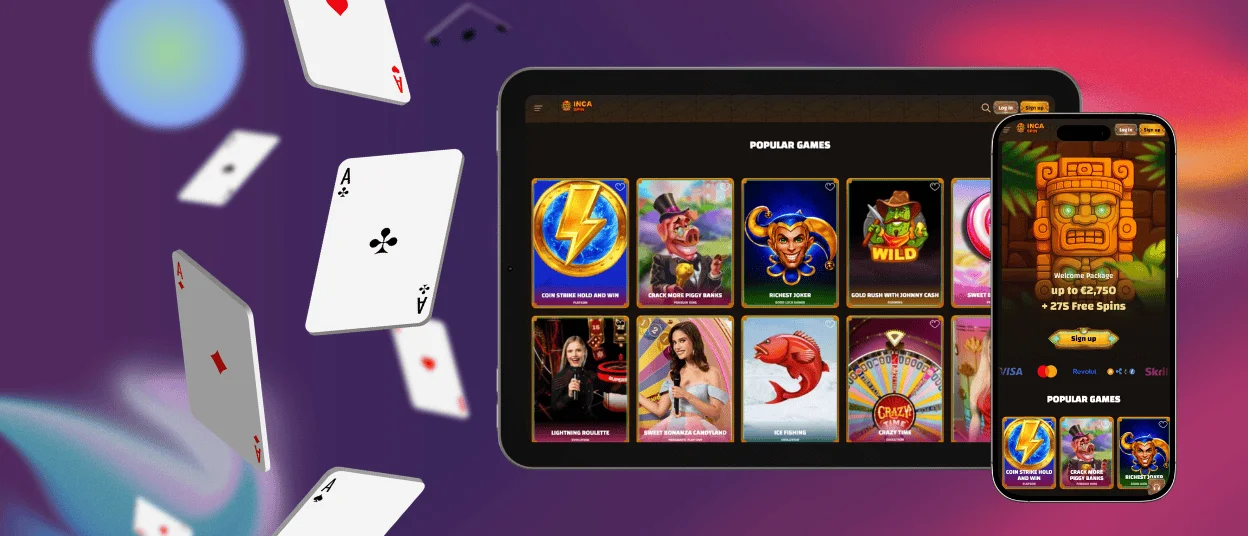
Incaspin also works on Windows and macOS through supported desktop browsers. We do not require players to install a separate desktop program.
If you use our casino regularly on a computer, you can create a desktop shortcut for faster access. This saves you from typing the website address or locating a saved browser tab each time.
Depending on the browser, the command may appear as:
- “Install app”;
- “Create shortcut”;
- “Add to desktop”;
- a similar browser-specific option.
The shortcut opens the current online platform, so there is no separate desktop account or standalone software version to maintain.
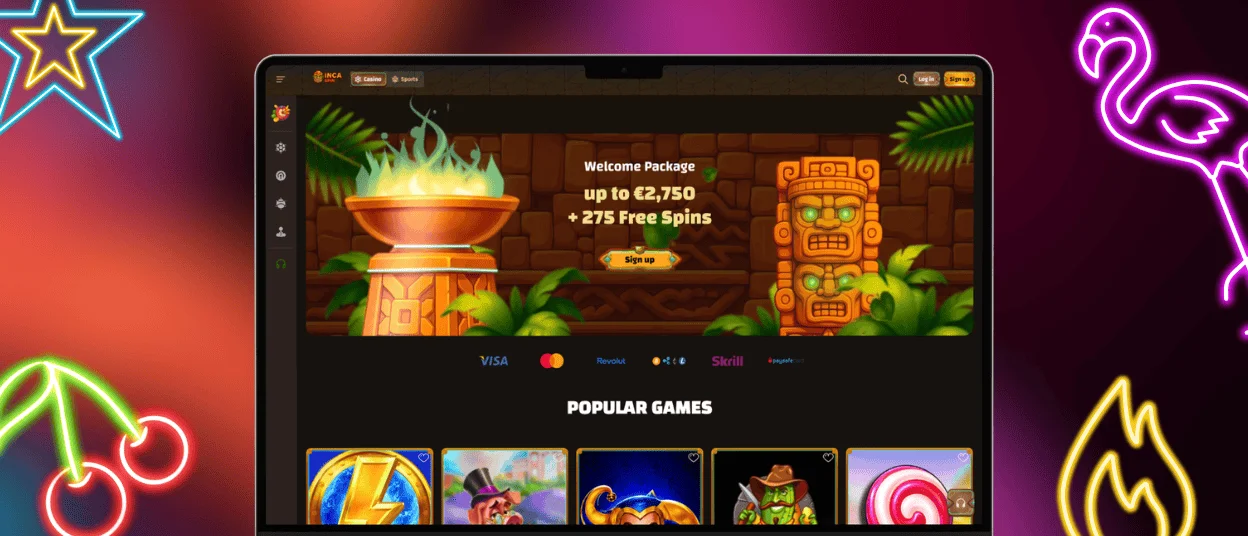
PWA security advantages
The Incaspin PWA stays inside the browser environment. It cannot simply access your camera or local storage; these functions become available only after you approve the browser permission.
There are other security benefits as well:
- No separate installer files. Inca Spin does not ask you to download app packages from third-party sources, reducing the chance of running a fake or modified installer.
- HTTPS connection. Data sent between your device and Incaspin is encrypted over HTTPS.
- Automatic updates. We roll out compatible security fixes and technical changes through the web platform, rather than asking players to install each new version themselves.
There is also no app file to replace with a modified copy or distribute through an unofficial download page. For safer access, we recommend using the correct Incaspin website and keeping your browser and operating system up to date.
FAQ
Is the Incaspin app free to install?
Yes. Adding Inca Spin to your device is free.
Can I remove the app without deleting my account?
Yes. Your account is separate from the app on your device. Removing the app will not delete it.
What should I do if the Inca Spin app stops opening?
Try Incaspin in your browser first. If the site opens there, delete the old shortcut and create a new one. Still having trouble? Contact us through live chat.


